Star Citizen Fleet Management Guide: how to track ships without overbuying
Fleet management sounds like a power-user thing, but it is mostly just a way to see what you own and what each ship is for. That makes it useful for beginners who want to avoid overbuying and keep their future plans tidy.
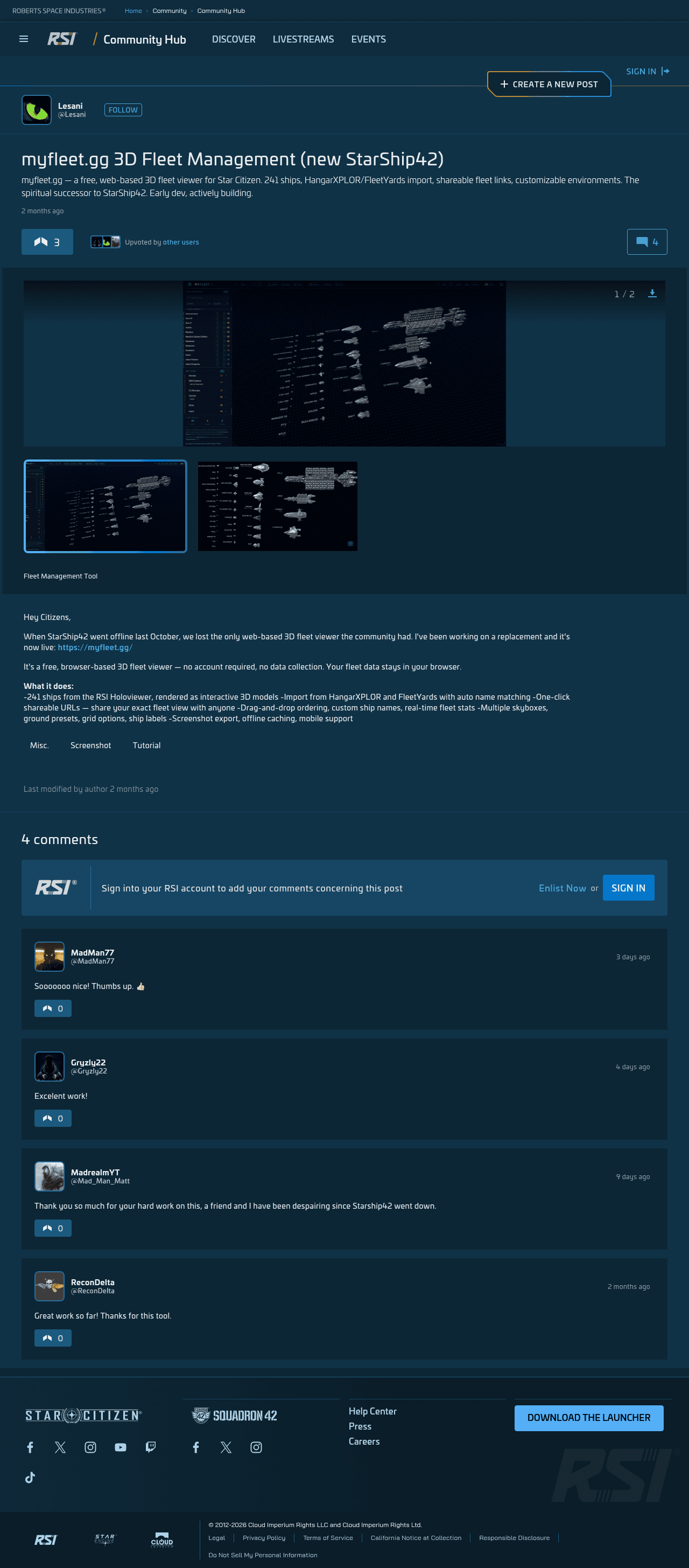
Hero image: a Community Hub fleet management gallery capture. It turns a long ship list into something you can understand at a glance.
What fleet management is
A clean way to view, sort, and compare the ships in your hangar instead of treating them like a messy list.
Why beginners should care
It keeps you honest about what you already own, what you still need, and what you should stop adding for now.
Best first use
Check your current hangar before buying another ship. If the list already solves your needs, that answer saves money.
If you can read the hangar, you can spend more wisely.
A fleet viewer is not required to play Star Citizen, but it does make the ship ladder easier to understand. For a new pilot, that matters because ship buying gets confusing fast. A clear fleet view keeps your goals grounded and makes it harder to talk yourself into a purchase you do not actually need yet.
Ready to enlist?
Start on the official RSI site
This enlist link includes the referral code for new accounts so the official new-player bonus can attach during signup.
Enlist on RSIReferral disclosure: if you create an RSI account using this referral code, you receive the official new-player bonus, and this site owner may receive referral rewards.
Fleet management sounds advanced until you realize it is mostly just inventory sanity. You are not piloting anything here. You are trying to understand your hangar, what each ship is for, and whether your collection matches the game you actually want to play.
That makes the topic surprisingly useful for beginners. If you can see your fleet clearly, you can compare roles more honestly and avoid buying another ship just because it looks interesting in the moment.
1. What fleet management is for
A fleet viewer turns a long ship list into something readable. Instead of scanning a plain list and guessing what each ship does, you can sort, rotate, and compare the collection in one place. That helps with planning, and it helps with restraint.
- See what you already own.
- Compare ship roles side by side.
- Spot gaps before you spend money to fill them.
The useful part is not the 3D. The useful part is clarity. Once the fleet is legible, the next decision gets easier.
2. Use the hangar to check whether you actually need the next ship
Beginners often buy into a role before they understand the role. A fleet viewer slows that down a little. It lets you ask a better question: do I need this ship, or do I just like the idea of it because it looks cool in the preview?
| Question | Why it matters |
|---|---|
| What job does this ship solve? | If you cannot answer that, the purchase is probably too early. |
| Do I already own something close to it? | Overlap is where overbuying starts. |
| Will I use it in my first few sessions? | If not, you may be paying for future optimism instead of current use. |
3. Keep the fleet organized by role, not by impulse
A tidy hangar is easier to read when ships are grouped by purpose. Put the daily use ships near the top of your mental list. Put specialty ships where they belong: later, or at least clearly separated from the day-one stuff.
- Starter ship
- Solo loop ship
- Crew or group ship
- Specialty or “maybe later” ship
That sort of grouping keeps the fleet honest. It also stops you from treating every ship as if it belongs to the same stage of your journey.
4. Make one rule that protects your wallet
The best beginner rule is simple: do not buy a ship just because you can imagine a use for it. Buy it when you know you will use it. That small delay cuts down on regret and makes the fleet reflect your actual play style instead of a shopping mood.
- Read the fleet.
- Ask what job is missing.
- Check whether the current hangar already covers it.
- Only then decide if anything new is worth adding.
If the answer is “not yet,” that is a good answer. Star Citizen ships are easier to appreciate when you know why you wanted them in the first place.
5. What to do after you build the first clear fleet view
Once your hangar is organized, the next step is to play a little more and let your fleet grow from real use. Maybe you discover you like cargo more than combat. Maybe you prefer short solo runs. Maybe you want a crew ship later. The fleet should follow that discovery, not lead it.
That is the beginner takeaway: use fleet management to make the ship list less emotional and more useful. The cleaner the picture, the better the decision.
Set up the account cleanly before you build your ship list
If you have not created the RSI account yet, use the referral code during signup, then come back after your first ship and your first loop.
Go to official RSI siteReferral disclosure: if you create an RSI account using this referral code, you receive the official new-player bonus, and this site owner may receive referral rewards.
What this guide drew from
This guide uses the Community Hub fleet-management post as the topic source. The writeup turns that idea into a beginner-oriented explanation of hangar tracking, ship planning, and purchase restraint.
- RSI Community Hub — myfleet.gg 3D Fleet Management
- Roberts Space Industries — official home and account entry point
Media credits
- Hero image: screenshot of the RSI Community Hub myfleet.gg 3D Fleet Management post by Lesani.
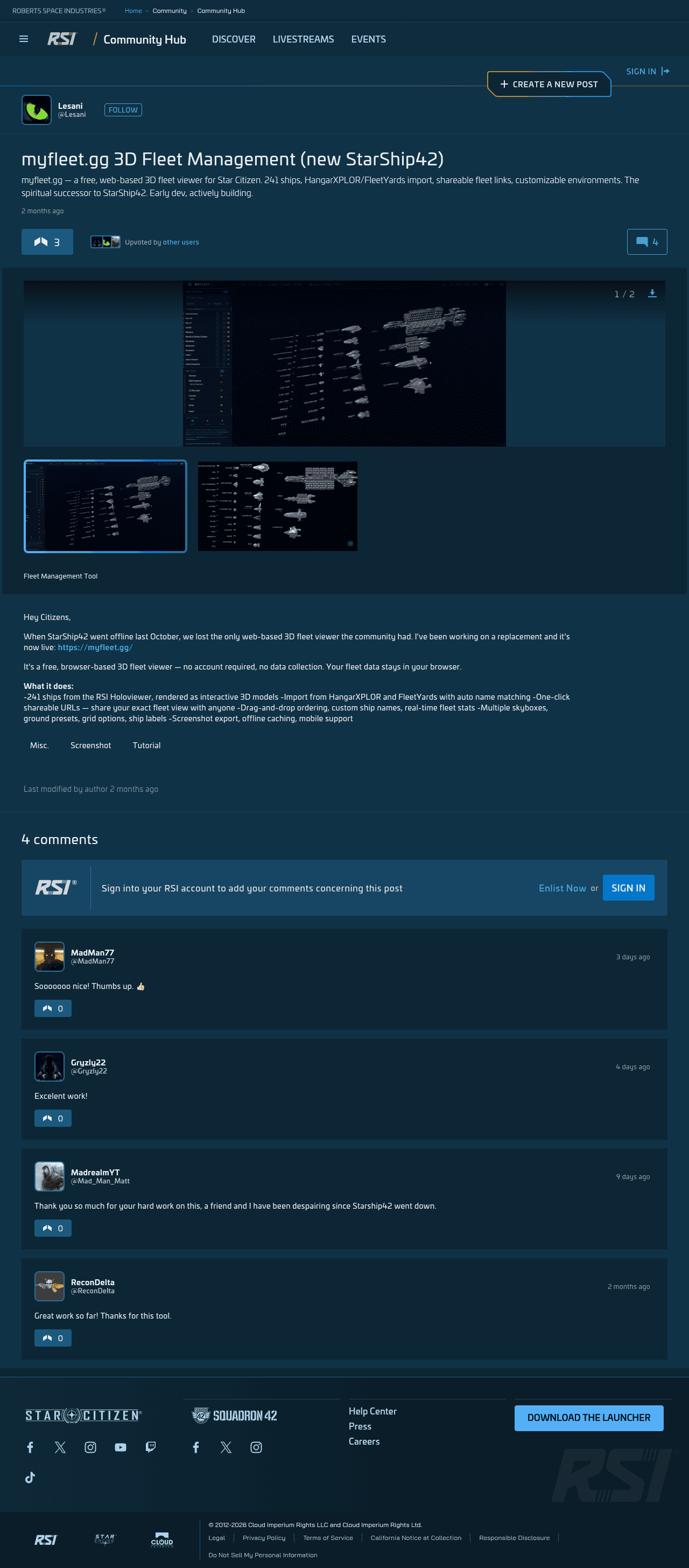
- Supporting image: screenshot of the RSI Community Hub myfleet.gg 3D Fleet Management post by Lesani.
- Images are used for editorial commentary and beginner onboarding context.
FAQ